Available
Guided Project Window
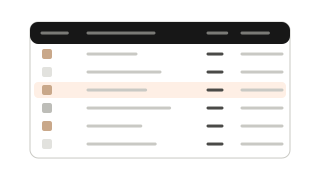
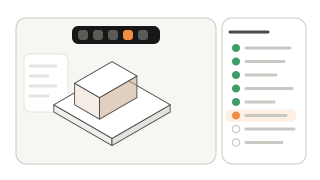
An 8-step window that walks through the project, from project type to export, and marks each step as it is completed.
How it works
- Open the Project window over SketchUp’s default tray.
- Work through the steps; the next one is highlighted.
- Step controls appear directly on the viewport.
Why it helps
Nothing is skipped, and the model stays visible while you work.
In practice
A designer new to the team follows the same steps as everyone else and delivers a complete set.